
MatchPoint · Reconciliation sign-off
Every balance sheet account, reconciled and signed off.
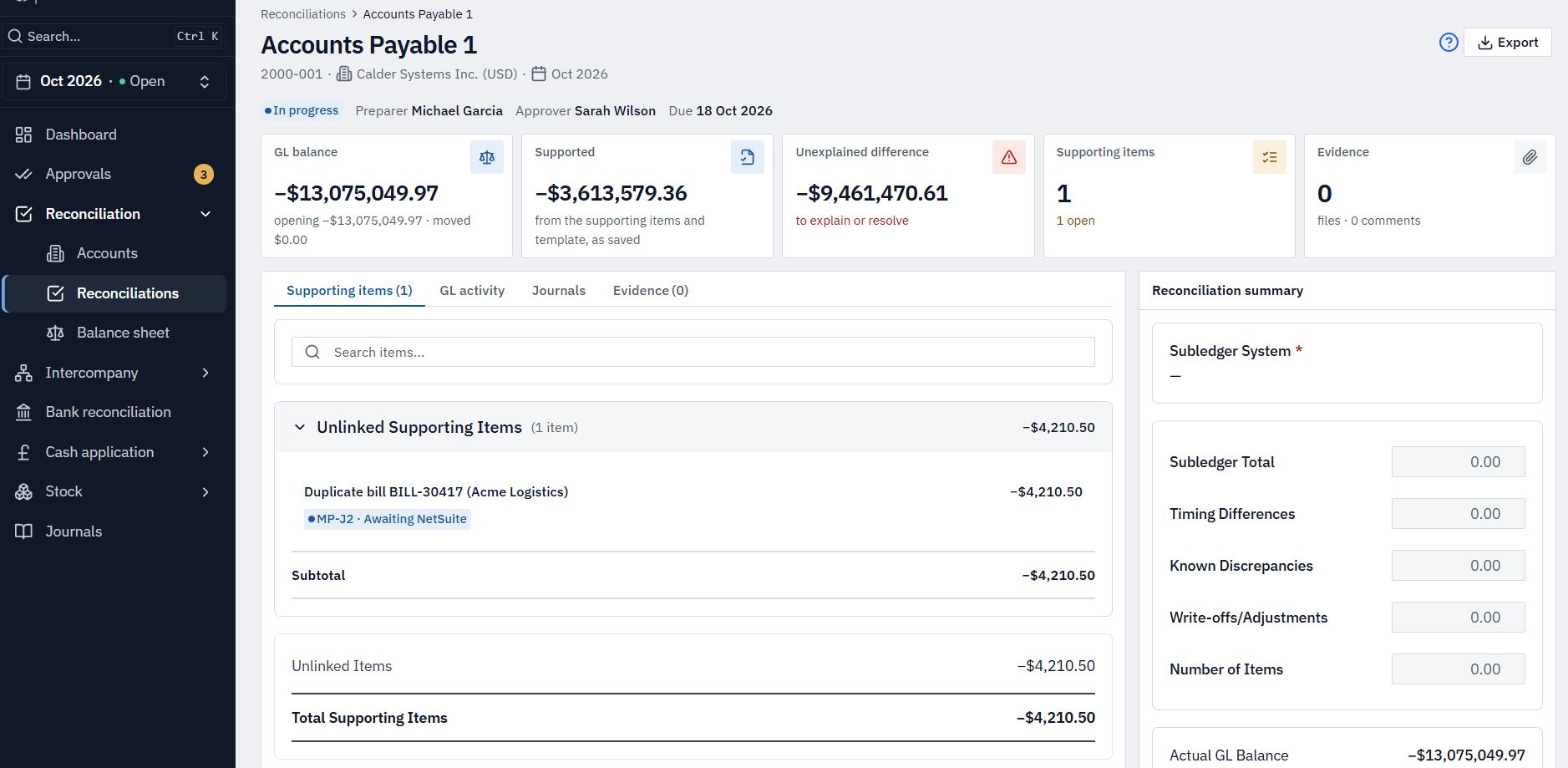
MatchPoint gives each account a reconciliation every month, with a preparer, an approver and the evidence behind the balance. You see the whole close in one place: what's done, what's late and what doesn't tie.
The problem
The balance sheet is where the close is won or lost — yet most teams prove it in a patchwork of spreadsheets and shared drives, with no single view of what's signed off, what's late and what still doesn't tie.
In detail
What reconciliation sign-off gives you.
What you get
Templates for every type of account
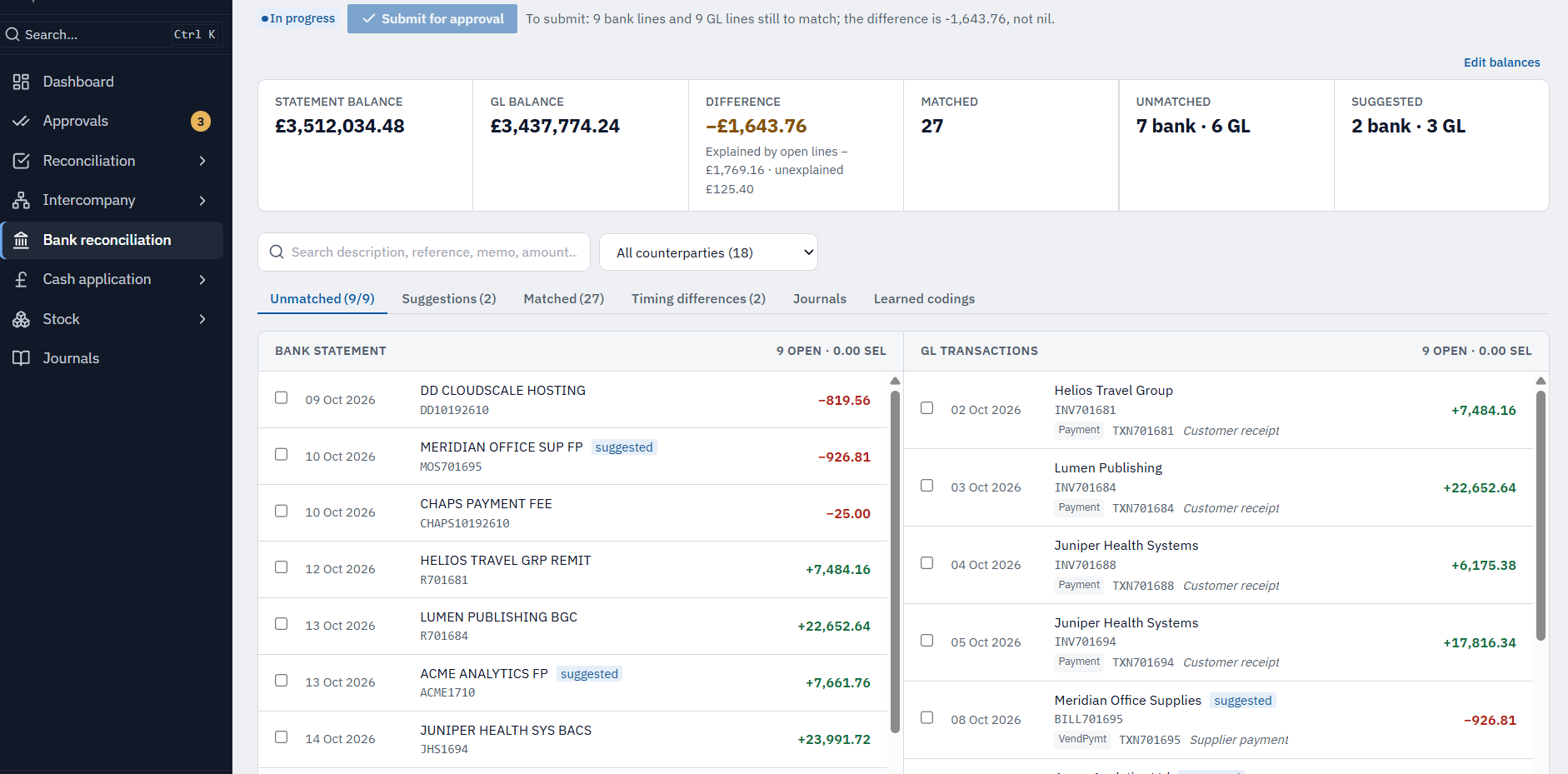
Bank, accruals, prepayments, fixed assets, intercompany and more, so every reconciliation is laid out the same way.
Supporting items and evidence
Schedules, attachments and comments sit with the reconciliation, not in a shared drive.
Carry forward
Last month's items roll forward, so you start from where you left off.
Risk-based rules
Low-risk accounts that haven't moved can be certified automatically, under rules you set.
Review and approval
Separate preparer and approver, with return-for-changes and reasons recorded.
Dashboards
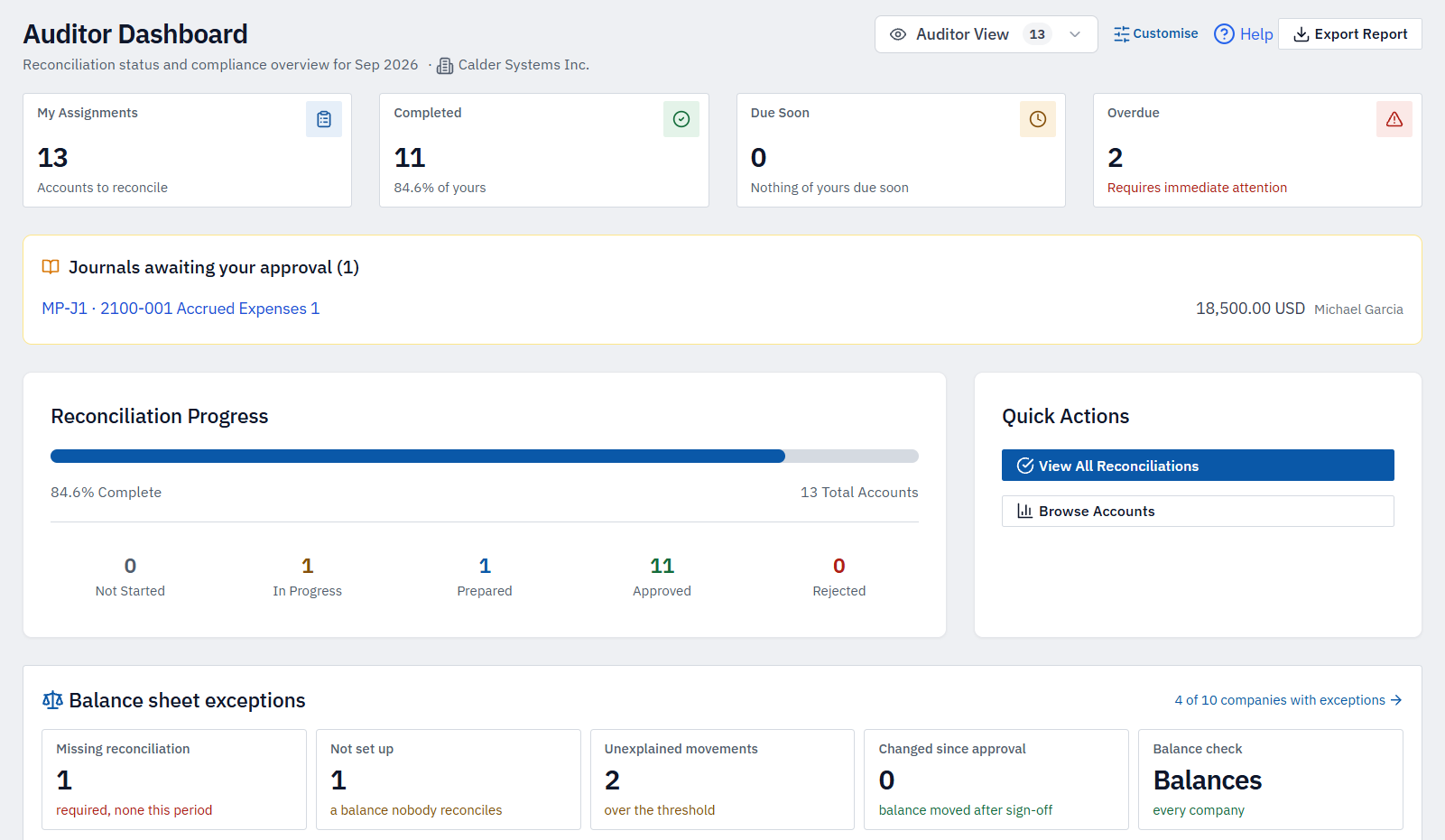
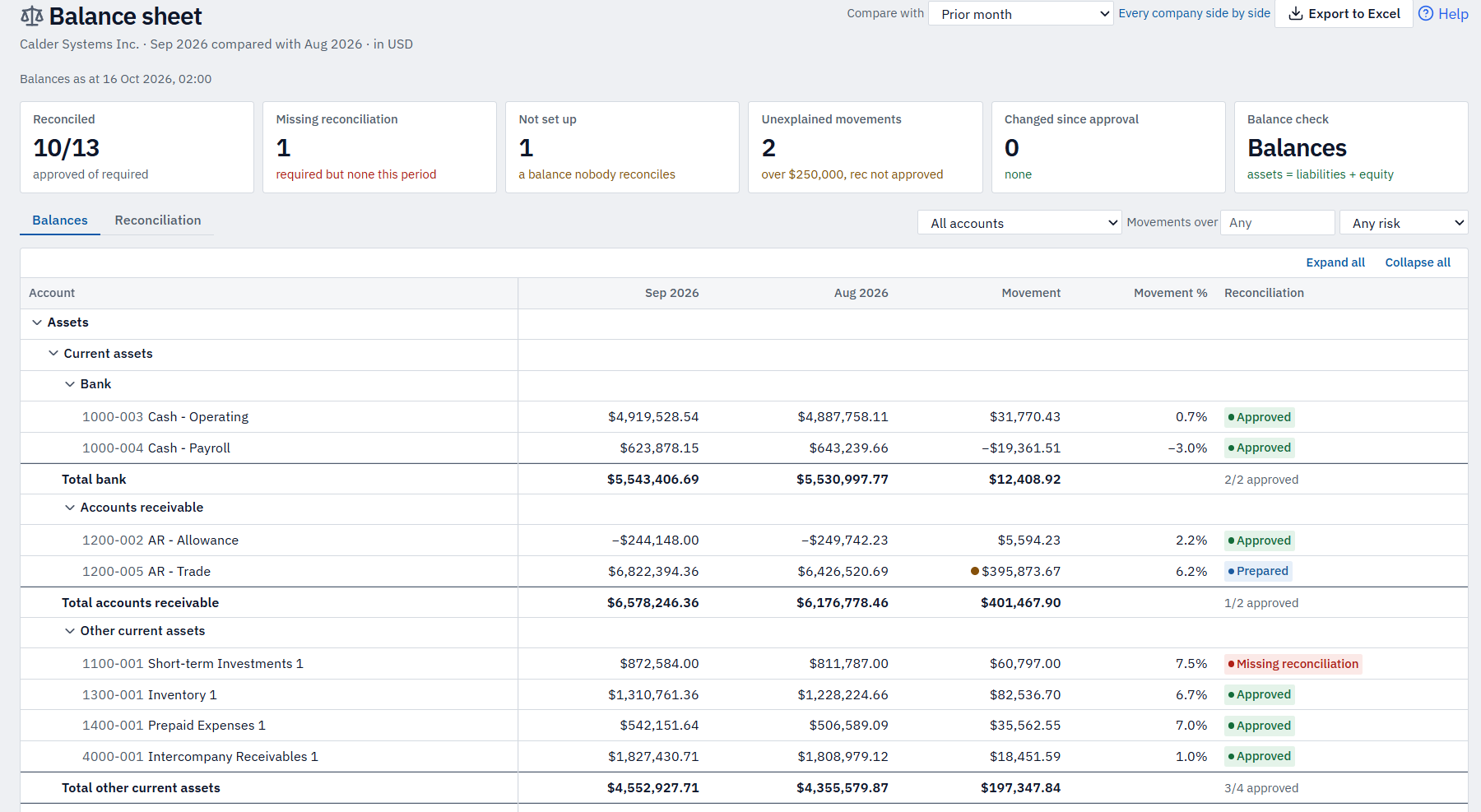
Progress by company, by preparer and by due date; what's overdue and what's changed since approval.
Read-only access for auditors
Give your auditors their own sign-in instead of a folder of spreadsheets.
How sign-off works
Prepare, review, approve — with the evidence attached.
Prepare
Each account gets a templated reconciliation. Supporting items, schedules and attachments sit with it, and last month's items carry forward.
Review
A separate approver checks the balance and the evidence, returns it for changes with a reason, or signs it off.
See the close
Dashboards show progress by company, preparer and due date — what's overdue, and what's changed since approval.
More of MatchPoint
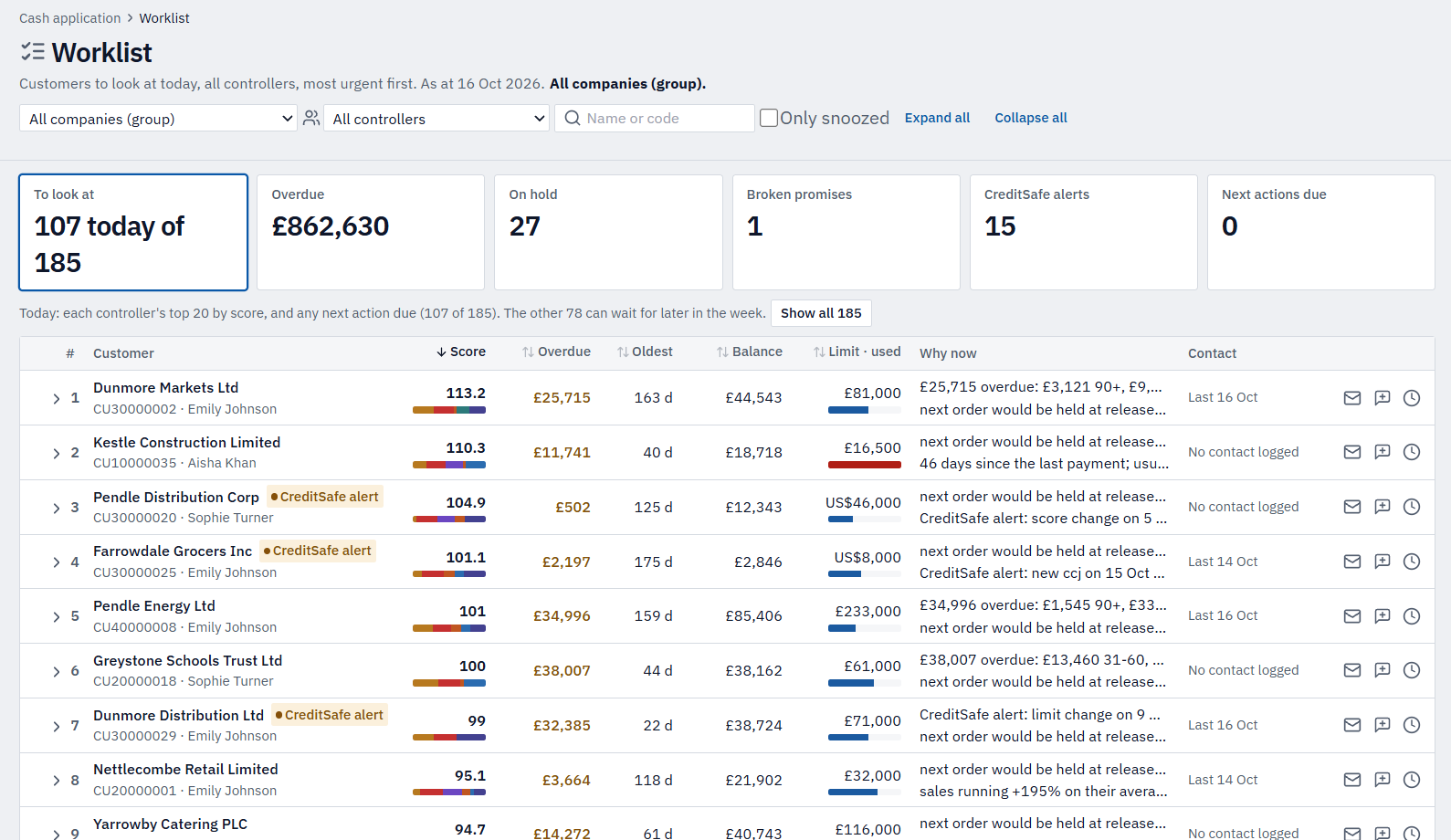
Explore the other modules.
See it on example data.
A 30-minute walkthrough on Calder Systems' close, then a conversation about yours.